Let's get fundraising ~ Creating your team's GiveWheel page
So, One More Lap’s an ultra that’s free to enter. Hell yeah! All we ask in return is that you make a modest fundraising commitment – with every penny you raise going to charity. By modest we mean raise £100 each. That’s just ten pounds from ten pals.
Your team's fundaising starts here!
To help you & your teammates smash your fundraising target, we’ve created a GiveWheel campaign that we’d love you to join.
A collective effort
Here's a wild stat. Fundraising as a team means you'll probably raise more money. Up to 36% more, in fact. So just by fundraising as a team, you're genuinely more likely to hit your target.
The campaign lets you see the difference your fundraising is making to our collective £35,000 target.
Plus, you’ll be able to see how you compare to other teams’ fundraising too (if you’re a competitive sort).
Make one for the team, Captain
Teams that raise together, stays together. Or something.
Setting up a Team Page for your team, is a job for the team captain (we email all this info to captains).
There are a couple of steps you need to go through to set up your team’s Team Page but it’s pretty straightforward.
Promise.
Here comes the science bit…
To set up your Team Page, you need to:
1. Start at the One More Lap campaign page.
3. Create a Team Page on GiveWheel for your team.
4. Invite your teammates to join the Team Page – you share a link, they create their own, individual GiveWheel page.
5. Fundraise!
To help you, I’ve made a couple of videos with very high production values 👇 These are coming, give me a chance!
OK, here we go - Set up your team's fundraising page
To set up your team's fundraising page on GiveWheel:
1. Head to the One More Lap campaign page.
2. Click the Join Event button.
3. Sign up or sign in to GiveWheel.
4. Click the Create a Team button.
5. Enter a target for YOUR TEAM. The minimum we’d like you to raise is £100/runner but you can be more ambitious if you want. Could you hit £250 per runner?
6. Click the Next button.
7. Give your team a name – it makes sense for this to be the same as your OML team name.
8. Click Next.
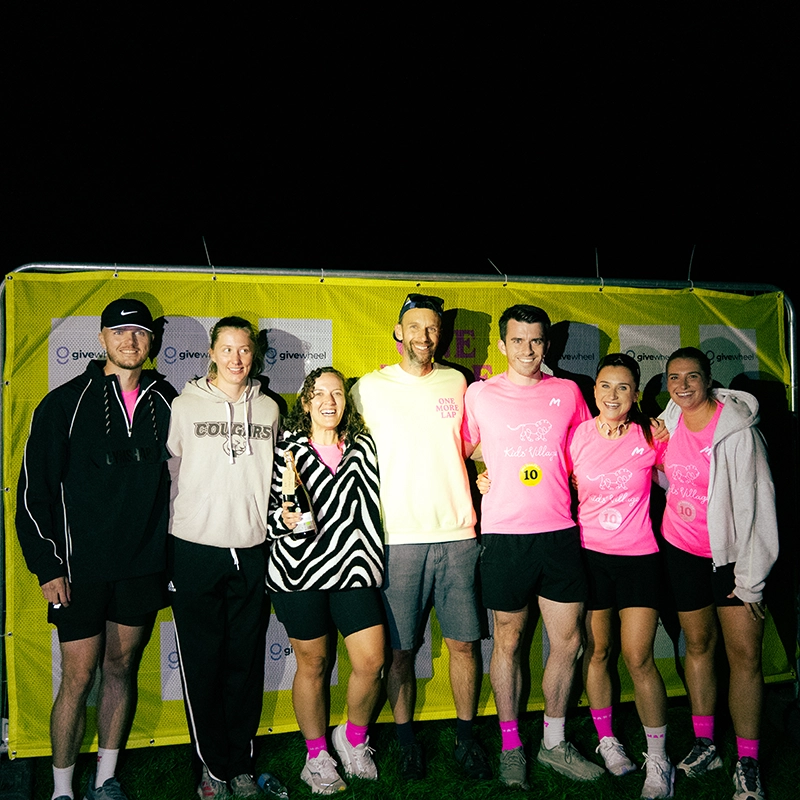
9. I’d recommend you change the picture for your page. People like people, so jazz up your page with a smiley pic of you and your teammates maybe?
10. Click the Create Page button.
Invite team members to join the GiveWheel team
Now your Team Page is live, it’s ready for your One More Lap teammates to join.
Just click the Share button and send the link to them.
Joining the GiveWheel Team Page
Here’s what OML teammates need to do to join your GiveWheel team:
1. Head to your OML team's GiveWheel Team Page.
2. Click the Join Team button.
3. Sign up or sign in to GiveWheel.
3. Enter your PERSONAL TARGET. Again, the minimum we’d like you to raise is £100 but bet you can do more.
4. Click the Next button.
5. Enter a name for your page - it makes sense for this to be your name to help people find you :)
6. Click Next.
7. I’d recommend you change the picture for your page. People like people, so jazz up your page with a smiley pic of you and your teammates maybe?
8. Click the Join Team button.
Bosh! That's it!
Get sharing
Now your Team page is live, you can then share this with your friends, family, colleagues, postman, hairdresser… anyone and everyone in fact.
Psst. The secret to raising money is to ask people to donate.
Then ask them again.
And again.
And once more for luck.
Did we say get sharing?
Share with your friends, family, colleagues, local landlord, physiotherapist… you know the drill now.
Need some help?
If you have any problems setting up your JustGiving page, drop me a note and I’ll do all I can to help get you set up.